Run operational traceability with RFID gates, zone history, remote monitoring, computer vision, and AI in one desktop app.
Tracedrix is a local desktop application for RFID-based operational traceability. The user creates a check-in, the software arms that check-in, and the first RFID read captured inside the configured time window is automatically linked to the item. At check-in time, the user can also optionally define an Expiry date and time and/or a Reorder gate for that specific item. From that point on, every gate read updates the item, its current zone, the event history, and the route status for that RFID, while the optional automation can send a one-time discard alert or a one-time replenishment request when the configured condition is met. The visible operational layer is RFID tracking, but the platform also includes computer vision, face recognition, object detection and identification, and easy in-app AI model training.
- Explicit adapter support for zebra_http, fx9600, and fx7500
- Search and drill-down by RFID, check-in, worker, item type, current gate, event history, accumulated time, and global metrics
- Password-protected web dashboard with overall status, workstation frames, and endpoints on the same local network
- Computer vision with face recognition, object detection and identification, and fast in-app AI training on user-specific items
What the app does
- Check-ins: create a check-in and arm it so the first RFID read inside the configured time window is automatically linked to the item.
- Per-item automation: optionally set Expiry and/or a Reorder gate during check-in for that specific item.
- RFID route tracking: every gate read updates the item record, the current zone, the event history, and the route status for that RFID.
- Desktop workflow: run the full operational flow locally from Tracedrix, with its own graphical interface and its own database.
RFID subsystem
- Polling and heartbeat: the RFID layer can monitor up to 20 gates with continuous polling, heartbeat checks, and live event collection.
- RFID events: reads are handled as EPC/UHF RFID events, then normalized into Tracedrix tracking records.
- Recognized adapters: the adapter explicitly supports zebra_http, fx9600, and fx7500.
- Operational status: reads are linked to check-ins, runs, and route state instead of being left as isolated raw tag events.
Database and traceability model
- Tracedrix stores the operational entities that actually matter: RFID gates, check-ins, runs, items, tracking events, time by zone, and inventory by zone.
- That makes it possible to query where an item entered, which gates it crossed, where it is now, how long it stayed in each zone, and when the route ended.
- The system keeps historical movement data instead of overwriting the story every time a new read arrives.
- Bad tracking usually comes from a bad process model. Tracedrix avoids that by treating movement as a route, not as a random pile of reads.
Search, audit, and remote visibility
- Search and explore results by RFID, check-in, worker, item type, current gate, event history, accumulated time, and global metrics.
- Use the historical event chain to audit route decisions instead of guessing after the fact.
- Follow overall status and workstation frames through the protected remote web dashboard.
- The dashboard is password-protected and works from another device on the same network, including a phone.
Computer vision and AI tools
- Face recognition: identify people through the vision layer directly inside the application.
- Object detection and identification: run vision models that detect and classify operational objects and item types.
- Fast in-app training: train AI models on user-specific items from inside the interface without building a separate lab around it.
- Tracedrix is therefore a hybrid system: the visible operational backbone is RFID tracking, but it also includes an AI vision stack that is actually usable.
Deployment model
- Tracedrix is a local desktop system with its own database, not a browser-only front end pretending to be an industrial platform.
- The protected web dashboard extends visibility across the same network and exposes general status, workstation frames, and endpoints.
- Part of the operation can therefore be monitored remotely from a phone or another device, as long as it is connected to the same network.
- The result is a practical local stack: RFID traceability, historical route data, remote supervision, and AI vision in one system.
Expiry automation
- Expiry lets the user define a deadline date and time for a specific item during check-in.
- If the field is filled in, once that date and time is reached or passed, the system sends one single email stating that the item must be discarded.
- If the field is left empty, nothing happens. There is no alert and no change to the standard workflow.
- The behavior is item-specific, so one check-in can use it while another can ignore it.
Reorder gate automation
- Reorder gate lets the user choose which gate, for that check-in, should mean consumption or outbound movement for replenishment.
- If the item passes through that selected gate, the system sends one single email to the supplier requesting another identical item.
- If no gate is selected, nothing happens. No reorder email is sent.
- This rule is also item-specific, so replenishment can be automated only where it is operationally useful.
CHECK-IN BEHAVIOR SUMMARY
At check-in time, the user can leave Expiry and Reorder gate blank and the workflow continues exactly as before, with standard RFID tracking only. Or the user can fill in one or both fields to activate an automatic expiration alert and/or an automatic supplier reorder for that specific item.
In plain English: optional fields stay optional. If they are empty, Tracedrix behaves exactly as it already did. If they are configured, Tracedrix adds targeted automation without changing the rest of the tracking model.
RFID HARDWARE GUIDANCE
The recommended Tracedrix RFID setup uses Zebra readers, portal antennas, PoE+, Ethernet, and one trigger sensor per gate. In plain English: use proper industrial hardware, not improvised parts, unless you enjoy debugging ghosts.
Interface Preview
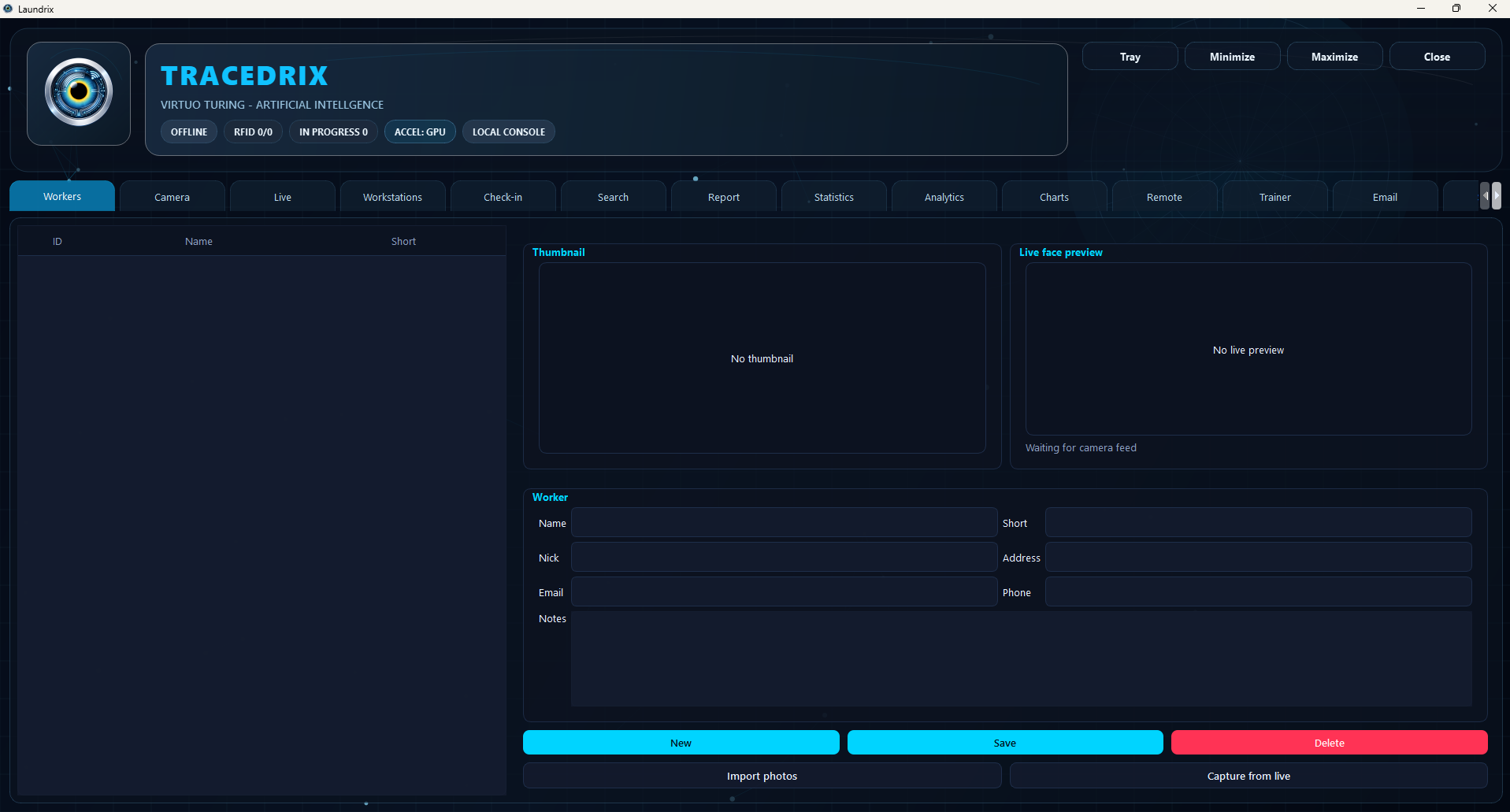
Preview of the Tracedrix desktop tracking interface